示例库
十二个小型演示文稿,来自 go-slides 的
examples/ 文件夹,
每个都着重展示一项功能。缩略图是每个演示文稿的第一张幻灯片,在构建本站点时由 go-slides 自己渲染;
CI 会将每个演示文稿构建为 HTML 和 PDF,确保它们都不会损坏。
在 Playground 中打开 会在你的浏览器中加载演示文稿,所用的链接不会向任何服务器发送数据。
除 deck.md 外还有其他文件(kind 文件、引入的片段、图片)的演示文稿无法通过链接传递:
请下载它的 .zip,再通过 Playground 的文件面板导入;或者解压后用
slides build --allow-local-files deck.md 构建。
图片是 go-slides 作者原创的 SVG,以 CC0 1.0 发布, 使用这些图片的演示文稿中也有说明。
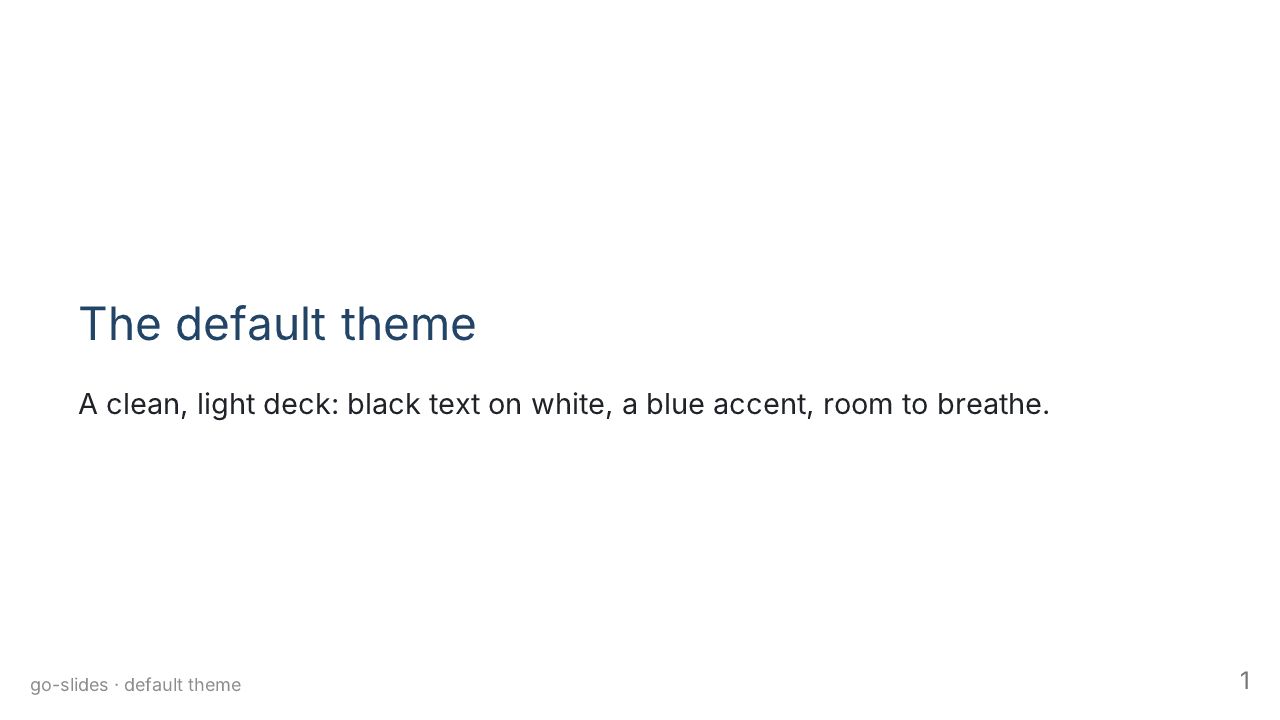
The default theme
Marp's default theme, as a clean light deck for documentation and reports.
在 Playground 中打开 在 GitHub 上查看源码
deck.md
---
slides: true
theme: default
paginate: true
title: The default theme
description: Marp's default theme, as a clean light deck for documentation and reports.
footer: go-slides · default theme
---

# The default theme

A clean, light deck: black text on white, a blue accent, room to breathe.

---

## Headings, lists, quotes

- Level-one and level-two headings get a rule under them
- **Bold**, *italic*, `inline code` and [links](https://github.com/go-slides/slides)
- Lists nest:
  - like this
  - and this

> A quotation is set apart by a bar on its left.

---

## Tables and code

| Theme   | Feels like     | Best for           |
| ------- | -------------- | ------------------ |
| default | a clean page   | documentation      |
| gaia    | a warm poster  | talks              |
| uncover | a calm stage   | keynotes           |

```go
func main() {
	fmt.Println("hello, slides")
}
```

---

<!-- _class: invert -->

## Invert

`<!-- _class: invert -->` flips one slide to light-on-dark, whatever the
theme. Nothing else changes.
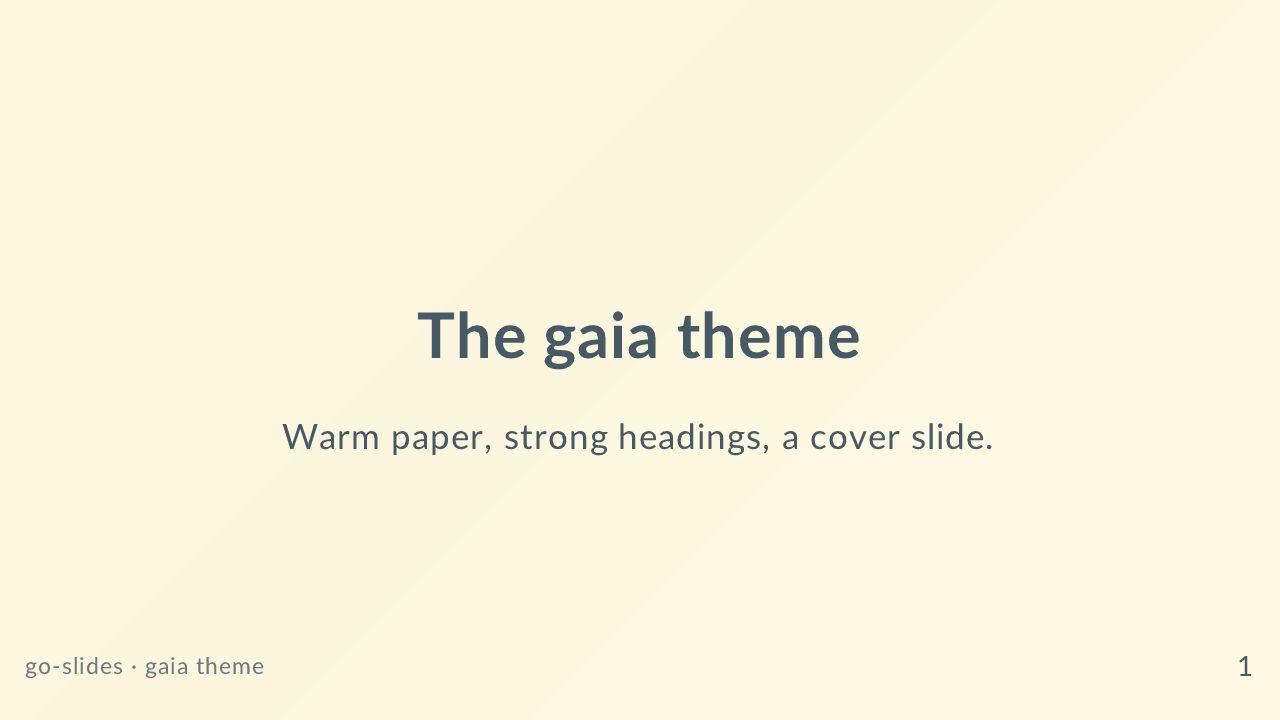
The gaia theme
Marp's gaia theme, warm and bold, with lead slides for covers and chapter breaks.
在 Playground 中打开 在 GitHub 上查看源码
deck.md
---
slides: true
theme: gaia
paginate: true
title: The gaia theme
description: Marp's gaia theme, warm and bold, with lead slides for covers and chapter breaks.
footer: go-slides · gaia theme
---

<!-- _class: lead -->

# The gaia theme

Warm paper, strong headings, a cover slide.

---

## Content slides

Gaia sets a heavy heading over a warm background, with a coloured band on the
left of ordinary slides.

- It reads well from the back of a room
- Bullets stay short
- One idea per slide

---

<!-- _class: lead invert -->

## Lead, inverted

The `lead` class centres a slide. Add `invert` for a dark one.

---

## Spot directives

A directive with an underscore styles **this slide only**. Without it, the
directive carries on to the slides after.

```markdown
<!-- _class: lead invert -->
# One slide

<!-- class: lead -->
# This one and the next ones
```

The uncover theme
Marp's uncover theme, centred and calm, for keynote-style talks.
在 Playground 中打开 在 GitHub 上查看源码
deck.md
---
slides: true
theme: uncover
paginate: true
title: The uncover theme
description: Marp's uncover theme, centred and calm, for keynote-style talks.
footer: go-slides · uncover theme
---

# The uncover theme

Centred, spacious, quiet.

---

## One thought per slide

Uncover centres its content and gives it a lot of white space. It suits few
words and big ideas.

---

<!-- _class: invert -->

## Dark when you need it

`<!-- _class: invert -->` makes this slide dark.

---

## Quotes stand out

> A slide is a sentence, not a document.

---

# Thank you

[github.com/go-slides/slides](https://github.com/go-slides/slides)
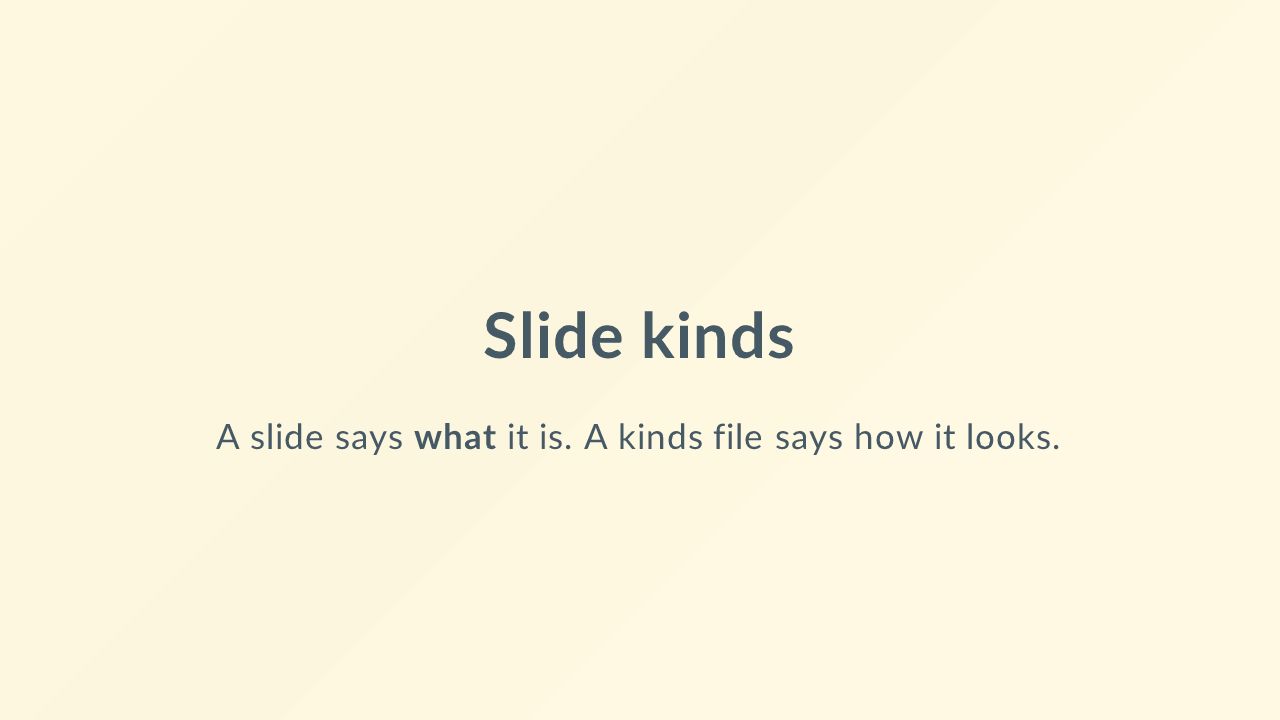
Slide kinds
A slide says what it is (title, chapter, quote) and a kinds file says how each looks.
除 deck.md 外,这份演示文稿还有其他文件(kinds/brand.yaml),无法放进链接:请解压后运行 slides build --allow-local-files deck.md,或在 Playground 中用 Import 导入 .zip。
deck.md
---
slides: true
theme: gaia
paginate: true
title: Slide kinds
description: A slide says what it is (title, chapter, quote) and a kinds file says how each looks.
footer: "{{ .title }} · {{ page }}/{{ total }}"
kinds: kinds/brand.yaml
---

<!-- _kind: title -->

# Slide kinds

A slide says **what** it is. A kinds file says how it looks.

---

<!-- _kind: chapter -->

# Part one

The built-in kinds, and one of ours.

---

## Built-in kinds

| Kind      | What it is                                    |
| --------- | --------------------------------------------- |
| `title`   | a cover: no header, footer or page number   |
| `section` | a chapter break                             |
| `content` | the deck's defaults                         |
| `blank`   | nothing around the content                  |

---

<!-- _kind: callout -->

## Our own kinds

The file `kinds/brand.yaml` defines `chapter`, `callout` and `quote`.
This slide is a `callout`: a warm background and a header, from one word.

---

<!-- _kind: quote -->

> Directives written by hand always win over the kind.

---

<!-- _kind: chapter -->

# Part two

Switching kinds clears what the previous kind set, so nothing leaks.
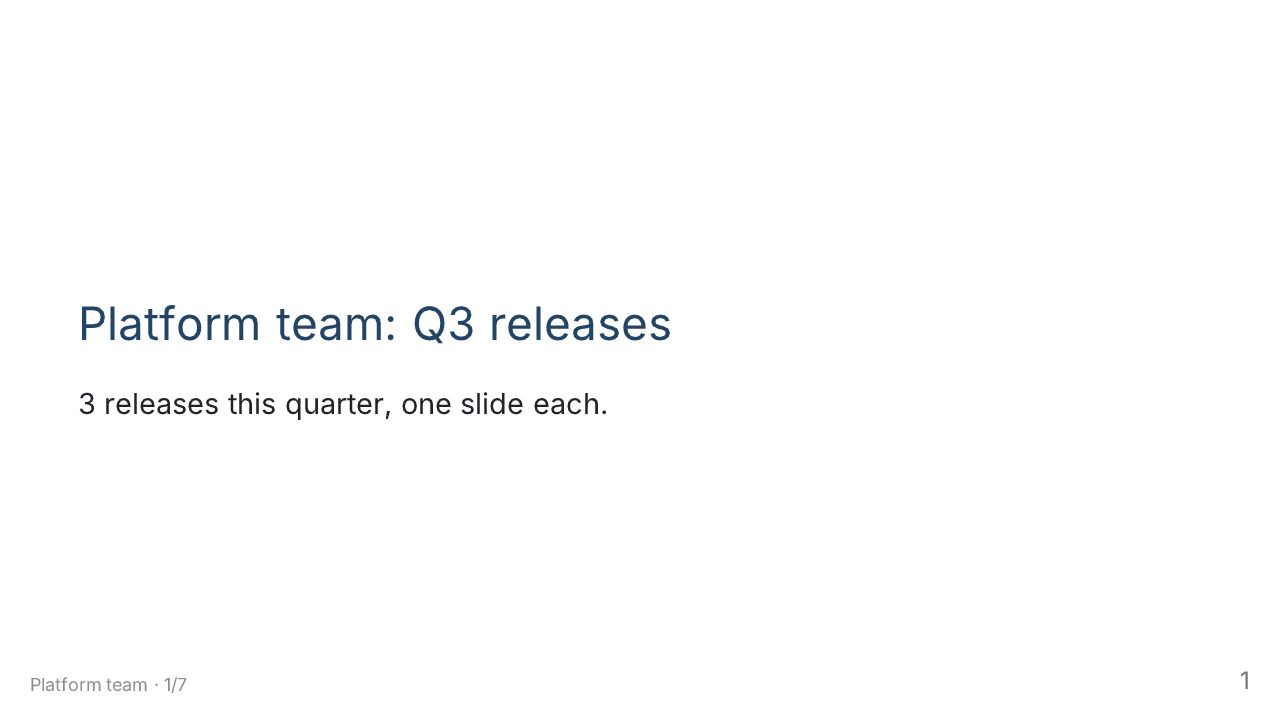
Go templates
Data, range loops that generate slides, page numbers and include, all before the Markdown is parsed.
除 deck.md 外,这份演示文稿还有其他文件(parts/thanks.md),无法放进链接:请解压后运行 slides build --allow-local-files deck.md,或在 Playground 中用 Import 导入 .zip。
deck.md
---
slides: true
theme: default
paginate: true
title: Go templates
description: Data, range loops that generate slides, page numbers and include, all before the Markdown is parsed.
footer: "{{ .team }} · {{ page }}/{{ total }}"
data:
  team: Platform team
  quarter: Q3
  releases:
    - {name: Aurora, date: "2026-07-14", highlights: [Faster builds, New CLI]}
    - {name: Borealis, date: "2026-08-25", highlights: [Plugin API, Better errors, Docs search]}
    - {name: Cirrus, date: "2026-09-29", highlights: [Windows support]}
---

# {{ .team }}: {{ .quarter }} releases

{{ len .releases }} releases this quarter, one slide each.

---

## Agenda

{{ range $i, $r := .releases }}{{ add $i 1 }}. {{ $r.name }} — {{ $r.date }}
{{ end }}
{{ range .releases }}
---

## {{ .name }}

Released {{ .date }}.

{{ range .highlights }}- {{ . }}
{{ end }}
{{ end }}
---

## What happened here

The `range` above wrote **{{ len .releases }}** slides. This one is number
**{{ page }}** of **{{ total }}**, and the deck never says so by hand.

Code stays untouched: `{{ .name }}` is shown as text, not run.

{{ include "parts/thanks.md" }}

HCL front matter
The front matter in HCL2: expressions, functions and typed data, with the same directives as YAML.
在 Playground 中打开 在 GitHub 上查看源码
deck.md
---hcl
theme    = "uncover"
paginate = true
title    = "HCL front matter"
description = "The front matter in HCL2: expressions, functions and typed data, with the same directives as YAML."

data = {
  company = "ACME"
  quarter = 3
  growth  = [4.2, 5.1, 6.8]
}

header = format("%s — Q%d review", data.company, data.quarter)
footer = "${upper(data.company)} · ${page()}/${total()}"

kind "chapter" {
  extends = "section"
  class   = ["invert"]
}
---

# {{ .company }} Q{{ .quarter }}

Front matter written in HCL, not YAML.

---

## Expressions and functions

The header and footer above are not text, they are **expressions**:

```hcl
header = format("%s — Q%d review", data.company, data.quarter)
footer = "${upper(data.company)} · ${page()}/${total()}"
```

`page()` and `total()` are go-slides' own; the rest is HCL's standard library.

---

<!-- _kind: chapter -->

# Typed data

Numbers stay numbers, lists stay lists.

---

## Quarterly growth

{{ range $i, $g := .growth }}- Month {{ add $i 1 }}: **{{ $g }} %**
{{ end }}

`slides expand` writes this front matter back as YAML, so Marp can read the
deck too.
Math
Inline and display formulas, typeset to SVG at build time and identical in HTML, images and PDF.
在 Playground 中打开 在 GitHub 上查看源码
deck.md
---
slides: true
theme: default
paginate: true
title: Math
description: Inline and display formulas, typeset to SVG at build time and identical in HTML, images and PDF.
---

# Math

`$…$` inline, `$$…$$` display. No JavaScript, no network.

---

## Inline

Einstein wrote $E = mc^2$, Euler $e^{i\pi} + 1 = 0$, and the roots of
$ax^2 + bx + c = 0$ are what the next slide is about.

A formula follows the text's size and sits on its baseline: $\alpha + \beta$,
$\sqrt{2}$, $x_{n+1}$, $\sum_{k=1}^{n} k$.

---

## The quadratic formula

$$
x = \frac{-b \pm \sqrt{b^2 - 4ac}}{2a}
$$

Display formulas are centred and sized for the slide.

---

## Calculus and sums

$$
\int_{-\infty}^{\infty} e^{-x^2}\,dx = \sqrt{\pi}
\qquad
\sum_{n=1}^{\infty} \frac{1}{n^2} = \frac{\pi^2}{6}
$$

---

## Matrices

$$
A = \begin{pmatrix} 1 & 2 \\ 3 & 4 \end{pmatrix},
\qquad
\det A = 1 \cdot 4 - 2 \cdot 3 = -2
$$

---

## Prices are not math

Following Marp Core's rules, a `$` followed by a space does not open a formula
and one followed by a digit does not close it: this costs $5 and that costs
$10, and both stay text.

Images and backgrounds
Inline images with sizes and filters, full backgrounds, and split backgrounds.
除 deck.md 外,这份演示文稿还有其他文件(media/grid.svg, media/hills.svg, media/mark.svg),无法放进链接:请解压后运行 slides build --allow-local-files deck.md,或在 Playground 中用 Import 导入 .zip。
deck.md
---
slides: true
theme: default
paginate: true
title: Images and backgrounds
description: Inline images with sizes and filters, full backgrounds, and split backgrounds.
footer: Images are original SVGs by the go-slides authors, released under CC0 1.0.
---
# Images and backgrounds
Everything on these slides is an SVG in `media/`.

---
## An inline image, sized

`` sets the width. `h:` sets the height.
---
## Filters
  
`grayscale`, `sepia` and `blur:4px`, as in Marp.
---

## A split background
```markdown

```
The image takes the right 40% (`left` takes the left) and the text flows into the rest.
---
<!-- _class: invert -->
<!-- _footer: "" -->
<!-- _paginate: false -->


## Several backgrounds
Two `![bg]` images share the slide side by side.
---

---
<!-- _footer: "" -->
## Attribution
`mark.svg`, `hills.svg` and `grid.svg` are original work of the go-slides
authors, released under [CC0 1.0](https://creativecommons.org/publicdomain/zero/1.0/).
You can reuse them without asking.
Code with line numbers and callouts
Highlighted code, optional line numbers, and numbered callouts that point at notes below the block.
在 Playground 中打开 在 GitHub 上查看源码
deck.md
---
slides: true
theme: default
paginate: true
title: Code with line numbers and callouts
description: Highlighted code, optional line numbers, and numbered callouts that point at notes below the block.
---

# Code

Highlighting, line numbers and callouts.

---

## Highlighting

```go
package main

import "fmt"

func main() {
    for i := 1; i <= 3; i++ {
        fmt.Println("slide", i)
    }
}
```

Colours come from the theme, through highlight.js class names.

---

## Line numbers

```python {lineNumbers}
def fizzbuzz(n):
    for i in range(1, n + 1):
        if i % 15 == 0:
            print("FizzBuzz")
        elif i % 3 == 0:
            print("Fizz")
        elif i % 5 == 0:
            print("Buzz")
        else:
            print(i)
```

`{lineNumbers}` after the language. They are not copied with the code.

---

## Starting somewhere else

```js {lineNumbers=42}
export function clamp(x, lo, hi) {
  return Math.min(Math.max(x, lo), hi);
}
```

`{lineNumbers=42}` starts at 42, for a snippet that lives in the middle of a
file.

---

## Callouts

```go {lineNumbers}
func serve(addr string) error {
    mux := http.NewServeMux() // <1>
    mux.HandleFunc("/", home) // <2>
    return http.ListenAndServe(addr, mux) // <3>
}
```

1. A router of our own, not the global one.
2. Every request not matched elsewhere lands here.
3. Blocks until the server fails.

---

## Hover to connect

Point at a disc, or tab to it: its note lights up, and the other way round.

```sh
slides build deck.md # <1>
slides deck.md --pdf # <2>
```

1. Writes `deck.html`.
2. Writes `deck.pdf`, with vectors and selectable text.

Emoji and fitting headings
Emoji shortcodes as embedded Twemoji images, and headings that scale to fill the slide's width.
在 Playground 中打开 在 GitHub 上查看源码
deck.md
---
slides: true
theme: gaia
paginate: true
title: Emoji and fitting headings
description: Emoji shortcodes as embedded Twemoji images, and headings that scale to fill the slide's width.
---
<!-- _class: lead -->
# <!-- fit --> Fitting headings
A fit comment in a heading makes it fill the slide's width.
---
# <!-- fit --> Short is big
---
# <!-- fit --> A longer heading shrinks to fit the same line
---
## Emoji :tada:
Shortcodes: :smile: :+1: :rocket: :heart_eyes: :books:
Unicode, too: 😄 👩💻 🇫🇷 1️⃣
They are Twemoji images embedded in the program, so they need no network and
look the same in the page, the images and the PDF.
---
<!-- _class: lead -->
# <!-- fit --> :sparkles: Together :sparkles:
Fitting headings and emoji combine.
---
## Turning it off
The **--no-emoji** flag leaves shortcodes and Unicode emoji as text.
In code, emoji always stay text:
```markdown
:smile: stays :smile: here
```
Presenting
Transitions between slides, speaker notes, and the presenter and overview views of the HTML page.
在 Playground 中打开 在 GitHub 上查看源码
deck.md
---
slides: true
theme: uncover
paginate: true
title: Presenting
description: Transitions between slides, speaker notes, and the presenter and overview views of the HTML page.
transition: fade 0.5s
---

# Presenting

Open this deck in a browser and press **p**.

<!--
Welcome. This note is only for you: it shows in the presenter view, never on
the slide. Press `p` for that view, `o` or Escape for the overview.
-->

---

## Speaker notes

Any HTML comment that is not a directive is a speaker note.

<!--
Notes can run several lines and use plain text.

Keep each one to what you would say, not what is on the slide.
-->

---

<!-- _transition: slide 0.6s -->

## Transitions

```markdown
<!-- transition: fade 0.5s -->
<!-- _transition: slide 0.6s -->
```

The first sets one for every slide after it, the second for this slide alone.
This one slides.

<!-- This slide has its own transition, `slide`. The others fade. -->

---

<!-- _transition: cover 0.8s -->

## 33 built in

fade, slide, cover, zoom, cube, swipe… the names are marp-cli's, played with
the browser's View Transition API.

<!-- Browsers without the API get a plain fade, and so does anyone who asked for reduced motion. -->

---

<!-- _transition: zoom 0.8s -->

## The overview

Press **o** or **Escape**: every slide in a grid. Arrow keys move, Enter goes.

<!-- The overview syncs with the presenter view. -->

---

# Thank you

<!-- Take questions here. The timer in the presenter view tells you how long you took. -->

Decks are code
A complete short talk that combines kinds, templates, math, code with callouts, images, emoji and speaker notes.
除 deck.md 外,这份演示文稿还有其他文件(media/hills.svg),无法放进链接:请解压后运行 slides build --allow-local-files deck.md,或在 Playground 中用 Import 导入 .zip。
deck.md
---
slides: true
theme: gaia
paginate: true
title: Decks are code
description: A complete short talk that combines kinds, templates, math, code with callouts, images, emoji and speaker notes.
footer: "{{ .speaker }} · {{ .event }} · {{ page }}/{{ total }}"
transition: fade 0.4s
lineNumbers: true
data:
speaker: Ada Example
event: Slides Meetup
principles:
- {title: Plain text, why: "A deck is Markdown: it diffs, merges and reviews like code."}
- {title: "One source, many outputs", why: "HTML, PDF, PPTX, ODP and images come from the same file."}
- {title: Reproducible, why: "The same input gives the same bytes, on your laptop and in CI."}
kinds:
chapter:
extends: section
class: invert
footer: ""
quote:
extends: blank
class: lead
---
<!-- _kind: title -->

# Decks are code
{{ .speaker }}
{{ .event }}
<!--
Introduce yourself in one sentence. The point of the talk: the way we treat
code is a good way to treat slides. :tada:
-->
---
<!-- _kind: chapter -->
# Three principles
---
{{ range .principles }}
## {{ .title }}
{{ .why }}
---
{{ end }}
<!-- _kind: chapter -->
# Show, don't tell
---
## A tiny build
```sh
slides build talk.md # <1>
slides talk.md --pdf # <2>
slides talk.md --pptx # <3>
```
1. The HTML page, with a presenter view on **p**.
2. A PDF with vectors and selectable text.
3. A PowerPoint file you can still edit.
<!-- Run these live if the network allows; the output files are tiny. -->
---
## Measure it
The speed-up of a parallel build on $n$ cores, with a serial fraction $s$ of
the work, is bounded by
$$
S(n) = \frac{1}{s + \frac{1 - s}{n}}
$$
so even $s = 5\%$ caps it at $20\times$.
<!-- Amdahl's law. Do not derive it; point at the cap. -->
---
<!-- _kind: quote -->
> If you can build it from a clean checkout, you can ship it.
---
<!-- _kind: title -->
# Thank you :rocket:
github.com/go-slides/slides
<!--
Pictures on these slides are original SVGs by the go-slides authors, CC0 1.0.
-->
Created on by tannevaled
Modified on by tannevaled